
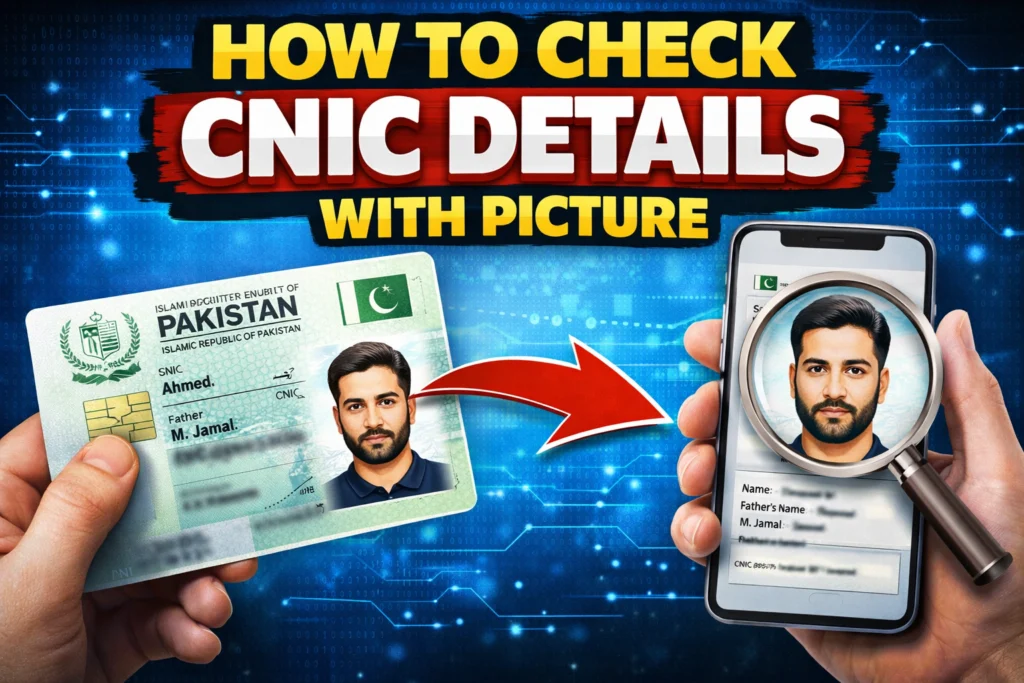
Navigating government bureaucracy has traditionally been a test of patience, often involving long lines and endless paperwork. However, the digitization of Pakistan’s National Database and Registration Authority (NADRA) services has changed the game entirely. With the launch of the Pak Identity App, citizens can now handle essential identity verification tasks directly from their smartphones.
Whether you need to verify your identity for a bank account, university admission, or simply want to ensure your records are up to date, the Pak Identity App offers a seamless solution. This guide walks you through the exact steps to register, verify your biometrics (including your picture and fingerprints), and secure your digital ID without ever stepping foot in a NADRA office.
Step 1: Register on the Pak Identity App
The journey to a verified digital identity begins with getting the right tools. The Pak Identity App is designed to be user-friendly, acting as a portal between you and the national database.
Download the App
First, head to the Google Play Store or Apple App Store and download the Pak Identity mobile application. Ensure you are downloading the official app developed by NADRA to protect your sensitive data.
Create Your Account
After installing the app, open it to start the registration process.You will need a few key pieces of information handy:
- Your 13-digit CNIC number.
- A valid, accessible email address.
- An active mobile number registered in your name.
Follow the on-screen instructions to input these details. The platform is intuitive and will guide you through each field. Accuracy is crucial here, as any mismatch with existing records could delay your registration.
Step 2: Verify Your Identity
Trust is the cornerstone of any digital ID system. To ensure that you are who you claim to be, the app employs a robust two-step verification process involving both biometrics and digital codes.
Biometric Verification
This is where the “picture” aspect of checking your details comes into play. You won’t just look at a photo; you will use your live camera to verify it.
- Photo Match: The app will ask you to take a live picture (selfie). This image is cross-referenced against the photo currently in NADRA’s records to ensure a match.
- Fingerprints: Using your phone’s camera, you will scan your fingerprints. The app’s advanced technology can read ridge patterns to match them against the biometric data stored in the national database.
Digital Verification
To add an extra layer of security, NADRA sends verification codes (OTPs) to both the mobile number and email address you provided. Entering these codes confirms that you have access to the contact channels linked to your ID, making it nearly impossible for someone else to fake your digital identity.
Step 3: Receive Your Digital ID
Once your photo, fingerprints, and contact details are successfully verified, the system generates your Digital ID.
The Digital Vault
NADRA issues your identity in the form of verifiable credentials. These aren’t just static images; they are secure digital assets stored within the Pak Identity mobile app vault. This vault is encrypted, ensuring your data remains private and safe from unauthorized access.
Global Recognition
You now possess a fully recognized digital identity. This isn’t just a placeholder; it is a valid form of identification that can be used across various sectors, from e-government portals to educational institutions and financial services.
Step 4: Access Services and Opportunities
With your identity verified and your digital ID stored safely in your app, a world of digital convenience opens up. You can now bypass physical verification checks for a multitude of services.
Where You Can Use It
- Government Services: Log into e-government portals for tax filing, vehicle registration, or passport renewals.
- Banking: Open bank accounts remotely without visiting a branch.
- Education: Verify your identity for university admissions or scholarship applications.
- Health: Access digital health records and services.
Document Sharing
One of the most powerful features is the ability to share documents securely. Whether you need to present your degree, driving license, or ID card, you can do so directly through the app.
Offline Access
Connectivity issues won’t hold you back. Your Digital ID works even when you are offline, ensuring you can prove your identity whenever and wherever you need to. This tool is designed to help you study, work, and succeed in Pakistan’s growing digital landscape.
The Pak Identity App is more than just a utility; it is a step toward a modern, efficient Pakistan. By digitizing your CNIC and biometric data, you save time and gain secure access to essential services. If you haven’t set up your account yet, download the app today and take control of your digital identity.